2D and 3D files
Provide a dimensioned 2D drawing and a 3D model when available, with matching revision identifiers.
 JHDPrecision Mold Components
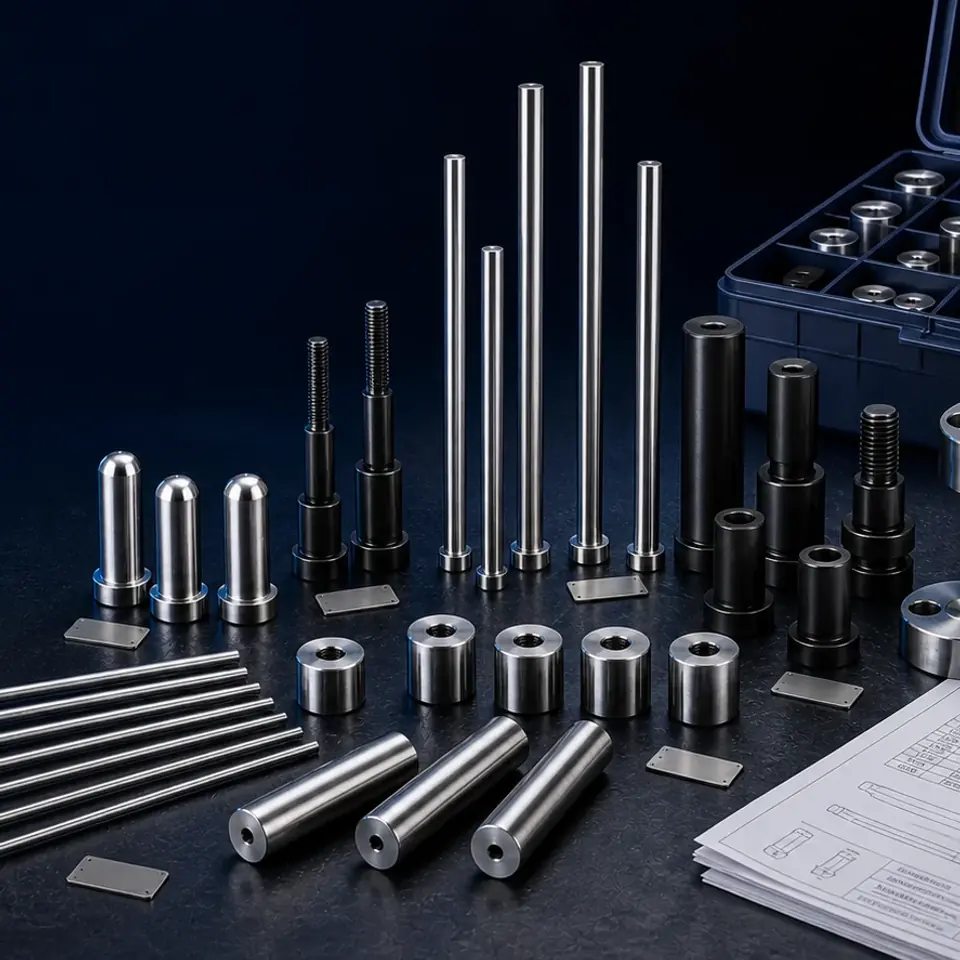
Use this category for non-standard mold components that cannot be identified by a complete catalog code. A controlled drawing, material requirement and inspection basis allow each line to be reviewed without inventing missing manufacturing details.
 TO CODE OR DRAWING
A complete code or controlled drawing gives the fastest start. If the file is incomplete, send the known dimensions, quantity and application so the next confirmation can be identified.
Provide a dimensioned 2D drawing and a 3D model when available, with matching revision identifiers.
State the material grade or approved equivalent rules instead of a general material family only.
Identify heat treatment, hardness range, coating or surface treatment where the design requires it.
Mark tolerances, geometric controls, fits and datums that affect function or inspection.
Show finish, grinding, polishing, texture or protected areas on the drawing.
Give prototype and production quantities separately and list any required inspection report or sample approval.
Make sure the 2D drawing and 3D model carry the same revision before quotation.
Distinguish critical tolerances from general tolerances so inspection scope is clear.
State approved material substitutions and inspection documents explicitly rather than assuming them.
Upload the BOM, drawings and available quantities.
Codes, mating dimensions and technical requirements are reviewed.
The result stays linked to each line in the list.
Items are sorted, labeled and shipped with the remaining parts.
Send the controlled 2D drawing and, when available, a 3D model or ZIP package. The visible revision should match across files.
A sample can support identification, but material, critical dimensions, fits and acceptance requirements still need written confirmation.
Missing material, undefined critical tolerances, conflicting revisions and unclear quantities are common gaps. These should be resolved before quotation is finalized.
Send an Excel/CSV BOM, drawing or short description. We will connect the request to this component family and identify any missing inputs.
2430625905@qq.comDownload BOM Template